
Hardware#
The Hardware plugin allows viewing and editing hardware information on the robot (e.g., end-effectors, force/torque sensors, and RT dummy devices).
Robot Panel#
The summary of the Hardware button shows the count of how many RT devices are set to dummy, current end-effector, etc.

Figure 1: Hardware Button
!!! Note The actual hardware information can vary from robot to robot.
Control Center#
Robot Info#
Depending on the robot configuration, the Hardware Control Center may show a Robot Info section where you can update:
End-effector information (fields such as
end_effector,end_effector_left,end_effector_right, etc.)Force/Torque sensor information (fields such as
ft_sensor,ft_sensor_left,ft_sensor_right, etc.)
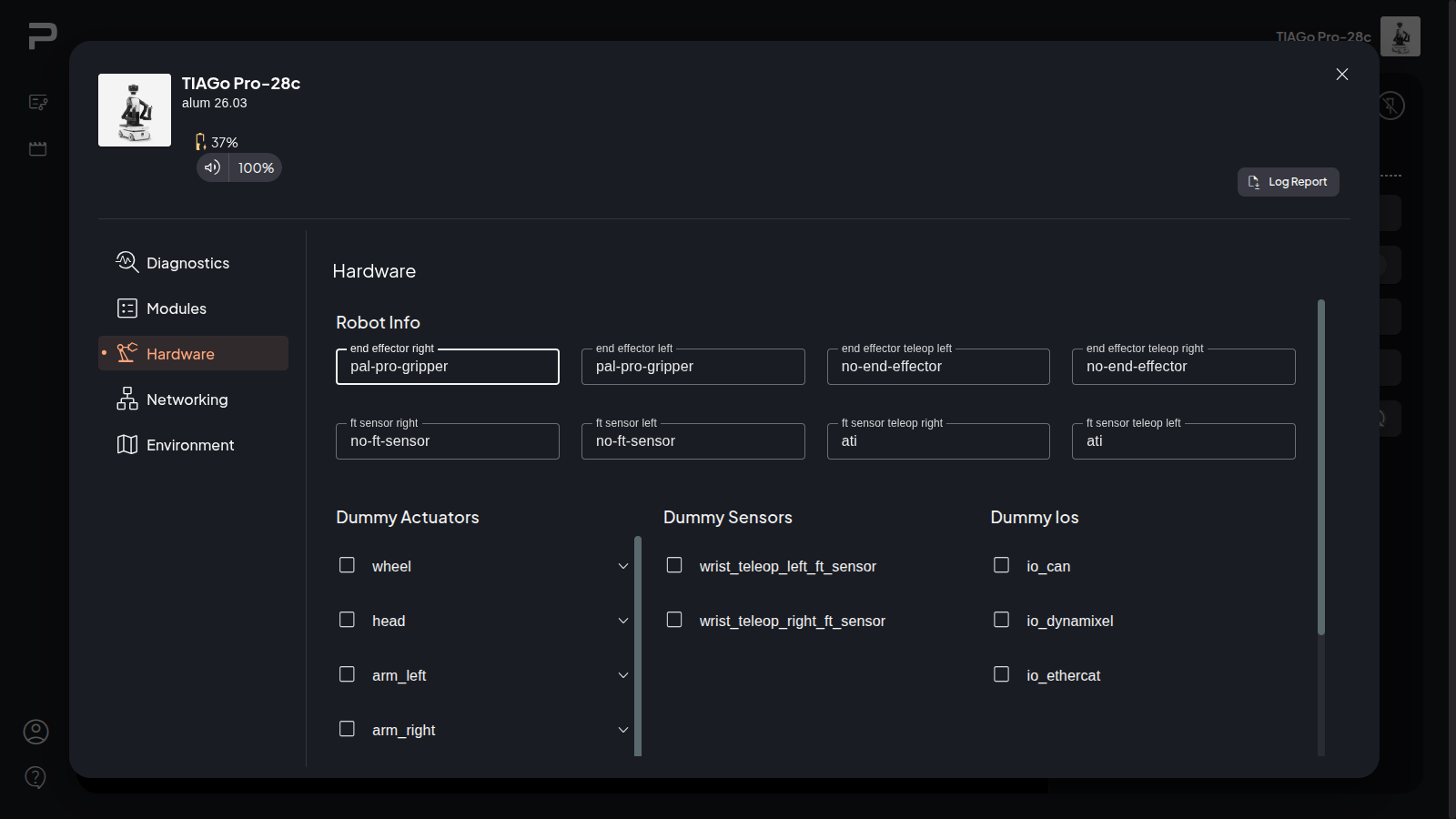
If these fields are available, you can edit them directly and click the Save changes button. Saving changes will prompt you for confirmation, and a robot restart is required for the changes to take effect, clicking Reset will discard any unsaved changes and restore the original values.
RT Dummy Devices#
View, set, and unset RT Devices to dummy.
The section consists of the following type groups:
Actuators
Sensors
IOs (input outputs)
Each device type group contains the list of devices corresponding to it. For actuators and sensors, the devices can be grouped based on their prefix to select or unselect multiple devices at once.
!!! Note ome robots can come without any sensor dummy device, in that case only actuator and IO devices are shown.
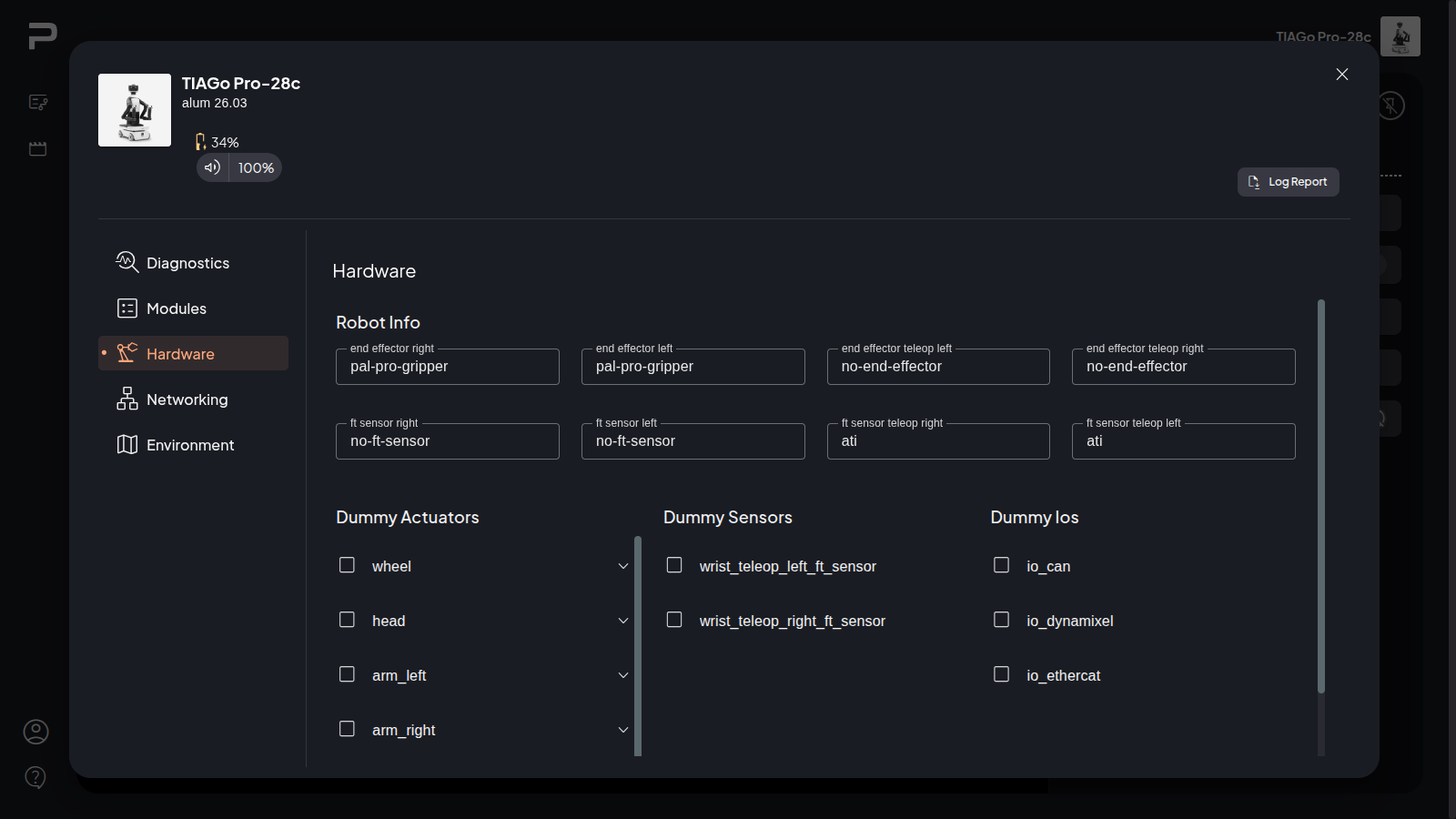
Figure 2: Hardware Control Center
The devices that already have their checkboxes marked are the ones previously set as dummy.
While you are marking or unmarking the checkboxes, you can click the RESET button to go back to original values for all the devices.
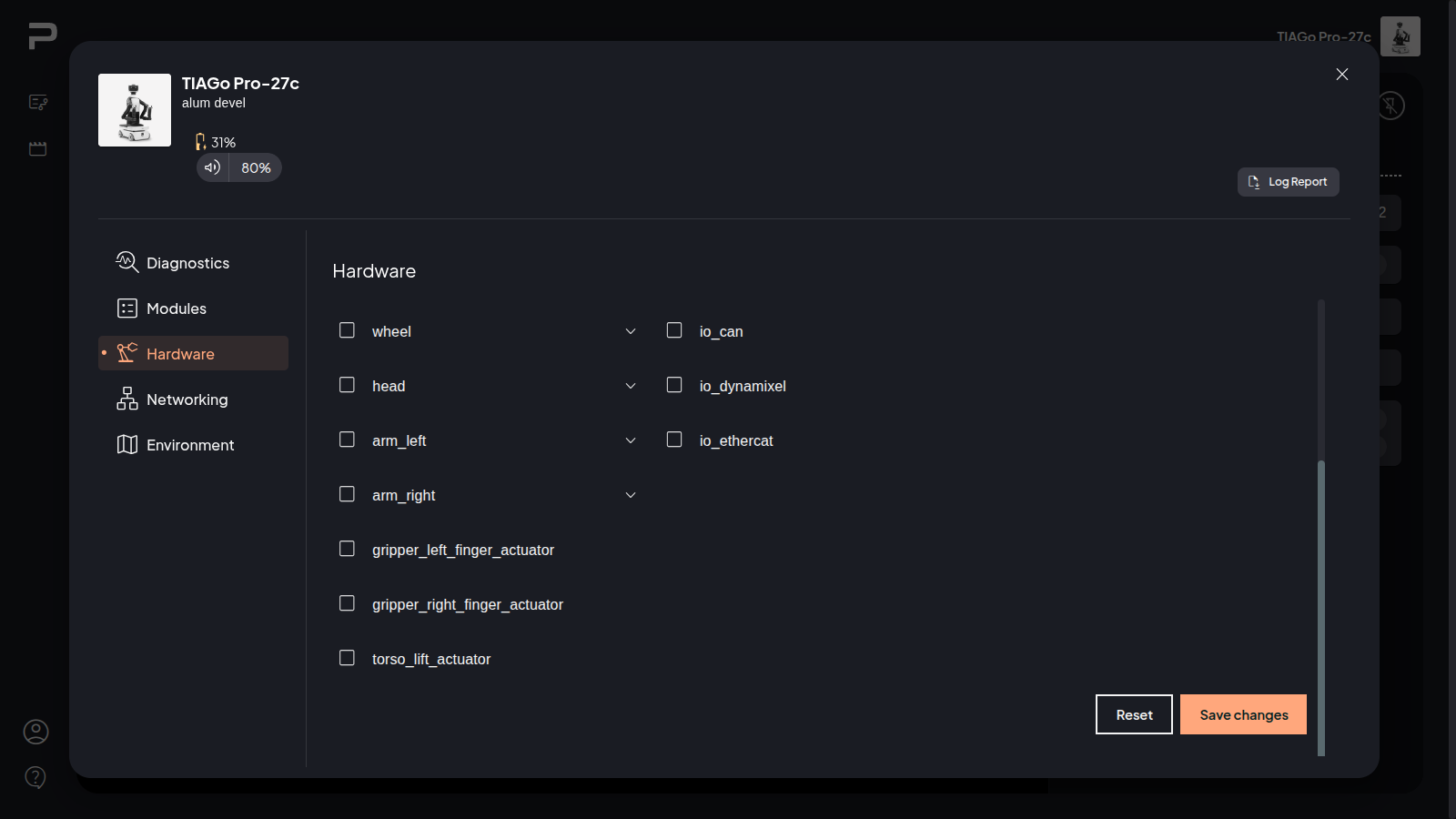
After marking the devices you want to set or unset as dummy, click on the Save changes button and confirm the prompt.
!!! Note The robot must be restarted for the changes to take effect.
Some devices have relationships and dependencies to other devices. This will lead to changes on dummy state affecting other devices if required.
For example, setting an IO device like io_ethercat to dummy may also set related actuators to dummy (e.g., arm_* and gripper_*). Conversely, if all arm actuators are set to dummy and io_ethercat is also dummy, setting arm_left_1_actuator back to not dummy will automatically set io_ethercat to not dummy as well.