MuJoCo Simulation#
What is MuJoCo?#
MuJoCo (Multi-Joint dynamics with Contact) is a high-performance physics engine developed by DeepMind, designed for fast and accurate simulation of articulated structures interacting with their environment. It is widely used in robotics research, reinforcement learning, biomechanics, and animation.
MuJoCo is regarded as one of the best simulators for robotics for several reasons:
Physical accuracy: its contact dynamics model handles friction, joint limits, tendon constraints, and actuator dynamics with high fidelity.
Speed: the solver is highly optimised and can run significantly faster than real time, making it suitable for large-scale RL training.
Differentiability: MuJoCo supports analytical derivatives of the physics, enabling gradient-based trajectory optimisation and system identification.
Rich sensor and actuator models: IMUs, force-torque sensors, cameras, and a variety of actuator models (position, velocity, torque, muscle) are built in.
Open source: MuJoCo has been freely available since 2022 under the Apache 2.0 licence.
ros2_control Integration via mujoco_ros2_control#
Kangaroo’s MuJoCo simulation integrates with the standard ros2_control framework through the mujoco_ros2_control package. This package provides a full SystemInterface plugin that wraps the MuJoCo physics loop and exposes it as a ros2_control hardware interface, allowing the same controllers used on the real robot to run unmodified in simulation.
The integration works as follows:
A
MujocoSystemInterfaceplugin is declared in the robot URDF, pointing to the MJCF scene file.At launch, a modified ros2_control node from
mujoco_ros2_controlstarts the MuJoCo Simulate App and loads the hardware interface.The Controller Manager loads and activates controllers exactly as on the real hardware: the controllers are unaware they are running in simulation.
use_sim_timeis set totrueso all ROS 2 nodes follow simulated wall-clock time.
Supported interface types mirror the real hardware: position, velocity, and effort command and state interfaces, plus IMU and Force-Torque sensor state interfaces.
Launching the Simulation#
Lower Body Only#
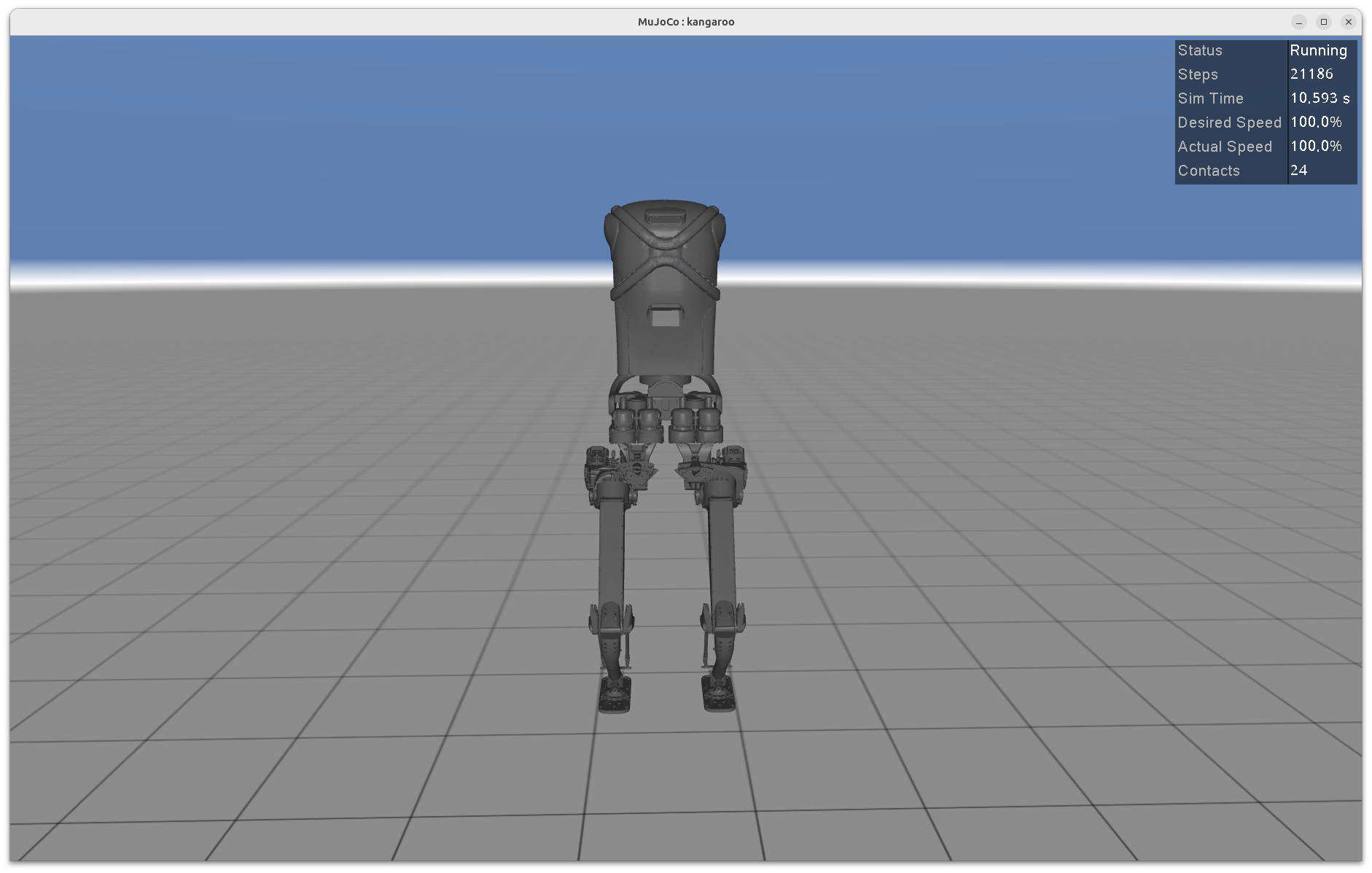
To launch the simulation with the lower body alone (no arms, no end-effectors, detachable feet):
ros2 launch kangaroo_mujoco kangaroo_mujoco.launch.py \
  arm_type:=no-arm \
  end_effector_right:=no-end-effector \
  end_effector_left:=no-end-effector \
  feet_type:=detachable
Full Robot with Fake Forearm (4 DoF)#
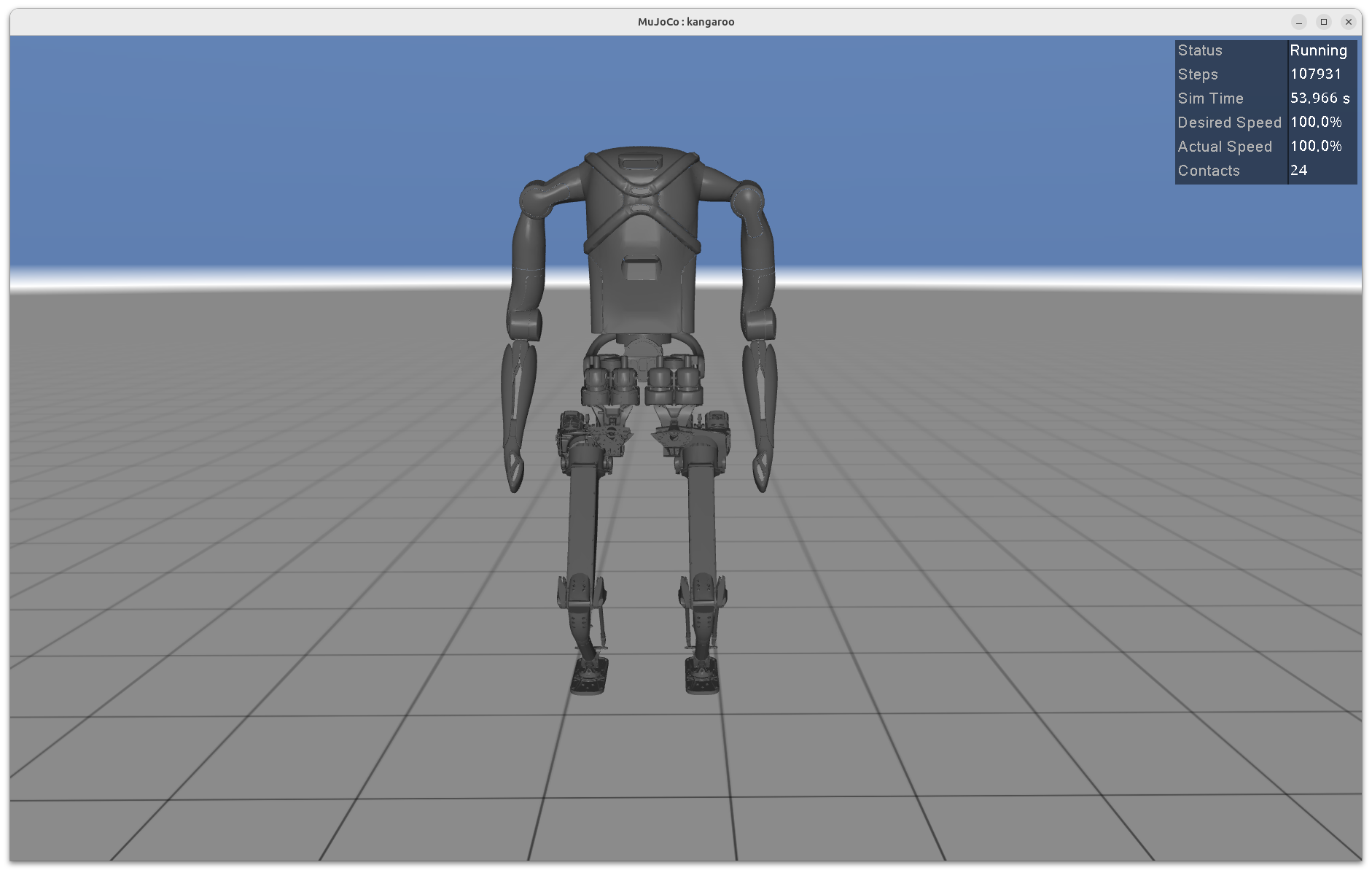
To launch the full simulation including the 4 DoF configuration with fake forearms, use the default launch file without additional arguments:
ros2 launch kangaroo_mujoco kangaroo_mujoco.launch.py arm_type:=4dof end_effector_right:=fake-forearm end_effector_left:=fake-forearm